desktop app (macOS)
Control Panel
Control Panel is one window and a menu bar icon instead of several terminal commands. It shows what keeps the Mac awake, what runs in the background and what takes up disk space.
- Problem
- My Mac wouldn't go to sleep, forgotten scripts and servers kept running in the background, and packages and AI models filled up the disk. Each of these takes a different terminal command to check.
- What I built
- A macOS app with a menu bar icon. It shows what blocks sleep, which programs run in the background (with ports and folders), what starts at login and how much space packages, AI models and caches take. Everything can be stopped, disabled or removed, always after confirmation.
- Result
- I know what's happening on my Mac and clean it up without the terminal.
How it works
- Sleep: what is preventing the Mac from sleeping or the screen from turning off, since when and by whom. The menu bar icon changes when something is blocking sleep.
- Background programs: my scripts and servers (Python, Node, Ollama, Claude Code sessions) with ports, project folder, uptime and memory. Orphaned processes running without a terminal are shown too.
- Login items: services from LaunchAgents and Homebrew, switched on or off with one click.
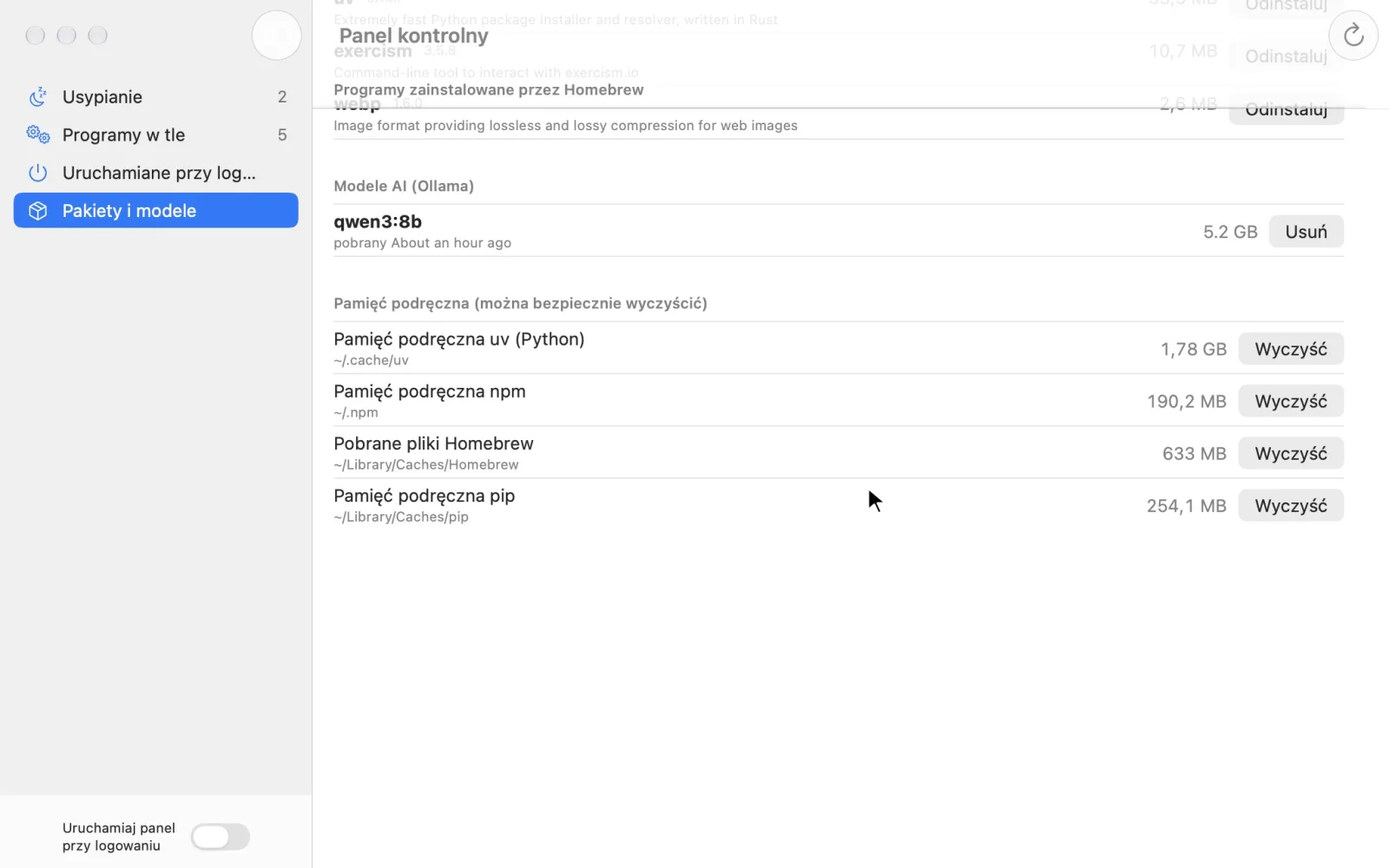
- Packages and models: Homebrew packages with their sizes, Ollama models, and uv, npm, Homebrew and pip caches to clear.
- Every action asks for confirmation.
Technology: Swift and SwiftUI, native macOS app
← All workLet's talk about your app
Send a message or book a 15-minute call, no strings attached. Tell me what's wearing you down, and I'll tell you whether and how an app could help.
Send me a message
Thank you! Your message has arrived. I'll reply as soon as I can.
Your message couldn't be sent. Please try again or email me directly at the address below.
Or email: szymon.jedrzejczyk@gmail.com